
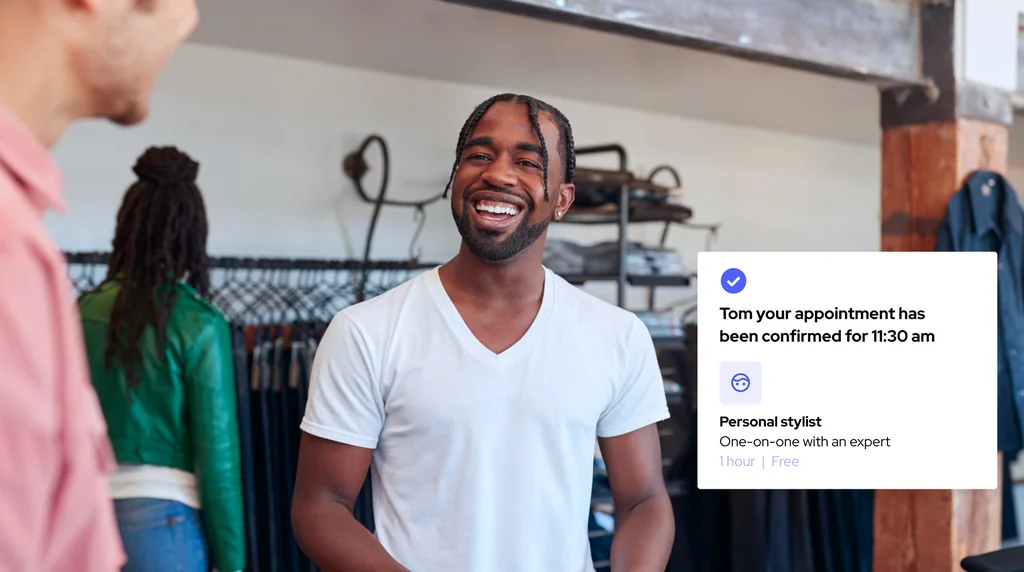

The appointment scheduling features to look for in retail are the customer-facing tools that turn a planned visit into an in-store purchase. Search for "retail scheduling software" and you'll mostly find staff rostering tools built to fill shifts, not drive sales, but the revenue-driving features sit on the customer side: appointment booking, customer profiles, and performance analytics, because shoppers who book ahead consistently outperform walk-ins on the floor.
This guide covers the 12 features that separate a retail appointment platform from a generic calendar, scored on what they deliver for your stores, not how they look in a demo.
Online appointment scheduling is one of the most important features out there. It turns website intent into a confirmed visit to your retail stores. It allows a customer to reserve a slot directly from the retailer's website at any hour, with no phone call and no waiting for the store to open, so the moment of intent never has time to cool. Self-service availability is the mechanism that makes it work: when open slots are available and bookable on demand, the friction that pushes shoppers to abandon a purchase disappears at the exact point of decision.
That convenience is also a revenue lever. Shoppers who book an appointment ahead arrive with intent: on average they convert at 70% and spend 30% more per visit than walk-ins who wander in undecided, which is why putting a retail appointment scheduling platform at the front of the visit captures demand before it leaks to a competitor with an easier path to book.
Unlike a generic calendar that drops every visitor into the same 30-minute slot, customizable appointment scheduling flows become a feature in their own right, adapting to what the customer actually came in for. A skincare consultation, a watch fitting, and a personal shopping session each need different intake fields, a different duration, and a different specialist, so a customizable flow sets those rules per service instead of forcing one template onto all of them. For a breakdown of the most common formats, see The 6 Retail Appointment Types Every Retailer Should Know.
Those flows stay flexible on format, not just content. The same platform can offer free discovery sessions, paid expert appointments that collect payment at the time of booking, in-person visits, and virtual meetings, so booking each service stays easy and the experience matches its value rather than flattening everything into one slot.
The reminder feature is quietly one of the highest-leverage tools in the stack: automated email and SMS reminders cut the no-shows that drain an appointment scheduling system, which is why they protect both associate utilization and predictable revenue. Across Booxi's retail network, the average no-show rate sits at 4%, though it varies sharply by vertical (see the full breakdown). Every missed luxury appointment ties up a prepared specialist and a reserved slot that never converts, so reminders that nudge customers ahead of time turn fragile bookings into reliable store visits.
The payoff compounds at scale. When the platform sends timed confirmations and reminders by email and SMS, no-show rates drop sharply, and managers can track which locations, services, and time slots still lose the most appointments, then reduce that leakage with tighter reminder cadences. For a deeper look at what drives missed appointments and how to fix it, see How to Reduce No-Show Appointments In-Store.
Reserve with Google places a "Book Online" button directly on your Google Business Profile in Search and Maps results. When a shopper taps it, they land on your scheduling widget and complete the booking on your domain, not inside Google, so your platform controls the experience, the data, and the CRM update. For multi-location retailers, this means every store listing becomes a booking entry point without any manual setup per location.
The feature is live today for confirmed retail verticals including beauty, petcare, and eyewear, with eligibility for other sectors dependent on the type of service offered. For a full breakdown of how the integration works across a store network, see Reserve with Google for Retail: The Complete Guide.
Staff routing is the feature that quietly decides whether store capacity gets used well: when the right associate is matched to each booking, specialists stop being the bottleneck.
Routing sends a watch consultation to the certified specialist and a quick pickup to whoever is free, so the optician or personal shopper isn't buried in tasks anyone could handle while the customers who need their expertise wait.
How staff are scheduled and deployed shows up directly in sales. A controlled retail study found a 7% jump in median sales : evidence that disciplined staffing decisions lift revenue without adding traffic. A mobile staff app extends that discipline to the floor and helps the team see assignments and availability in real time, so the right person is always pointed at the right customer.
Customer profile capture is one of the most underrated appointment scheduling features: the profile stores the data each shopper shares over time, from contact details to past purchases and stated preferences. When an appointment is booked, that profile gives your associates instant access to the customer's history before the meeting starts. The result is a greeting that feels prepared instead of cold, because the team already knows who is walking through the door and what they came in for.
Unlike a first-come queue that treats every booking the same, the VIC and VIP prioritization feature flags your highest-value clients the moment they reserve. Luxury and beauty teams can route these shoppers to senior associates, hold a private room, or trigger a personalized welcome before they walk in. That small distinction is what separates a transactional visit from the recognition loyal customers expect. For more on how booked visits change the in-store dynamic, see How Retail Appointments Improve Customer Experience in 2026.
A visit that ends at the checkout leaves repeat revenue on the table. A structured post-visit follow-up feature turns that single appointment into an ongoing relationship: a thank-you message, a care reminder, or a curated suggestion keeps the client engaged long after they leave the store.
Each touchpoint is also a natural opening for rebooking, so the next appointment gets set while interest is still warm instead of left to chance. Mobile-first rebooking lets associates schedule that return visit right from the floor, and managers can track which follow-ups actually drive repeat bookings.
Centralized multi-store management is the enterprise feature that gives head office one view across every location instead of a patchwork of disconnected appointment calendars. From a single dashboard, a regional manager can compare appointment volume, staffing, and queue performance across multiple retail stores, set booking rules once, and roll them out everywhere without logging into each site separately.
The trick is keeping that central control invisible to the floor. Each store sees only its own schedule and its own customers, so the tool stays simple for frontline users while HQ keeps the oversight it needs to run the whole network.
Connect your booking tool to the POS and CRM systems your retail stores already run, instead of letting appointment data sit in a silo. With native POS and CRM integrations and built-in support for systems like Shopify, Salesforce, Lightspeed, and Cegid, every booking, check-in, and purchase flows into one record rather than getting retyped between apps.
This integration feature is what turns scheduling into measurable retail. When appointment data lands in the CRM and sales land in the POS, you can tie a booked visit to the revenue it produced, so the platform reinforces the tools your teams use every day instead of competing with them.
In-store sales are notoriously hard to trace back to the booking that drove them, so the appointment gets no credit and the channel looks like a cost. A performance dashboard closes that attribution gap: attributed revenue per appointment, conversion rate from booking to sale, AOV and units-per-transaction impact versus walk-ins, and store-by-store staff performance, all in one view so you can invest in what works instead of guessing.
If a platform is going to handle customer data across hundreds of retail stores, its security and compliance features can't be secondary. When you evaluate a tool at that scale, look for consent management that respects regional privacy rules, data hosting in the regions where you operate, single sign-on so staff access stays controlled, and an uptime guarantee that keeps booking available during peak hours.
These safeguards protect the brand as much as the shopper. A luxury or beauty retailer that mishandles personal data risks the trust its customer relationships depends on, so the right controls over access and compliance are what let you scale appointments without scaling risk.
The best retail appointment scheduling software is the one that fits the way your retail stores actually operate, not the one with the longest feature list, because retail businesses each run very different in-store operations. Run through this checklist to help match the right tool to what your business genuinely needs before you commit.
For the full evaluation framework, see How to Choose Retail Appointment Scheduling Software in 7 Steps.
Most appointment scheduling tools stop at the booking. Booxi brings these features together, connecting every appointment to the store revenue it generates, so you measure what each booked visit is worth rather than guess at it. See how leading luxury, beauty, eyewear, and fashion brands turn booked appointments into in-store sales: talk to a Booxi expert.
The features that matter most are the customer-facing ones: online booking, automated reminders, customer profiles, and customizable booking flows by service. Look for a platform that also offers POS and CRM integrations and performance analytics, so booking data connects to real store outcomes instead of living on its own.
Staff scheduling software manages employee shifts, rotas, and payroll on the back end, while retail appointment software is customer-facing and helps shoppers book a visit the store can convert. The SERP mixes the two, but the difference is simple: one schedules your team and the other schedules your customers.
Yes. Shoppers who book ahead arrive with clear intent, so they convert at a higher rate and tend to spend more than undecided walk-ins. A prepared in-store experience helps you make more sales from the same foot traffic.
Multi-location retailers should prioritize centralized management with a single view across every store, plus POS and CRM integrations so appointment data ties back to sales. Performance analytics, strong security and compliance, and reliable support round out the list, since both oversight and customer data protection get harder as you scale.
More To Explore
12 Retail Appointment Scheduling Software Features For Retail Stores

How to Choose Retail Appointment Scheduling Software in 7 Steps

Build vs Buy Appointment Scheduling Software: The Real Decision for Multi-Location Retailers